title = div(
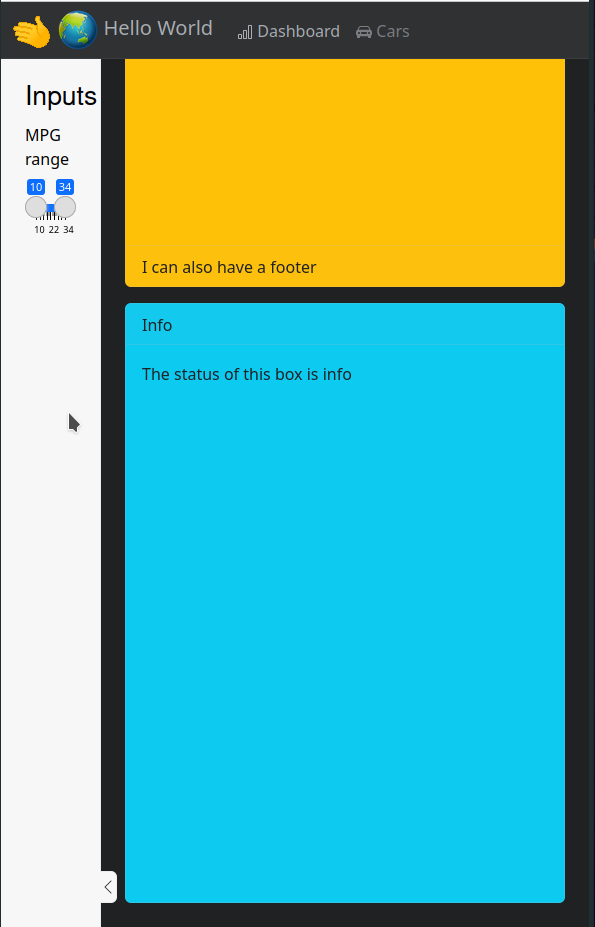
  img(src = "wave.gif",
      width = "40px"),
  img(src = "globe.png",
      width = "40px"),
  "Hello World",
style = "display: inline;"),Theme a shiny app
SISBID 2026
https://github.com/dicook/SISBID
Theming your Shiny App
bslibhas many options available for theming and customizing your app- We’ll cover the easily available options here
- Exponentially more powerful with CSS and a bit of tinkering
Preset Themes
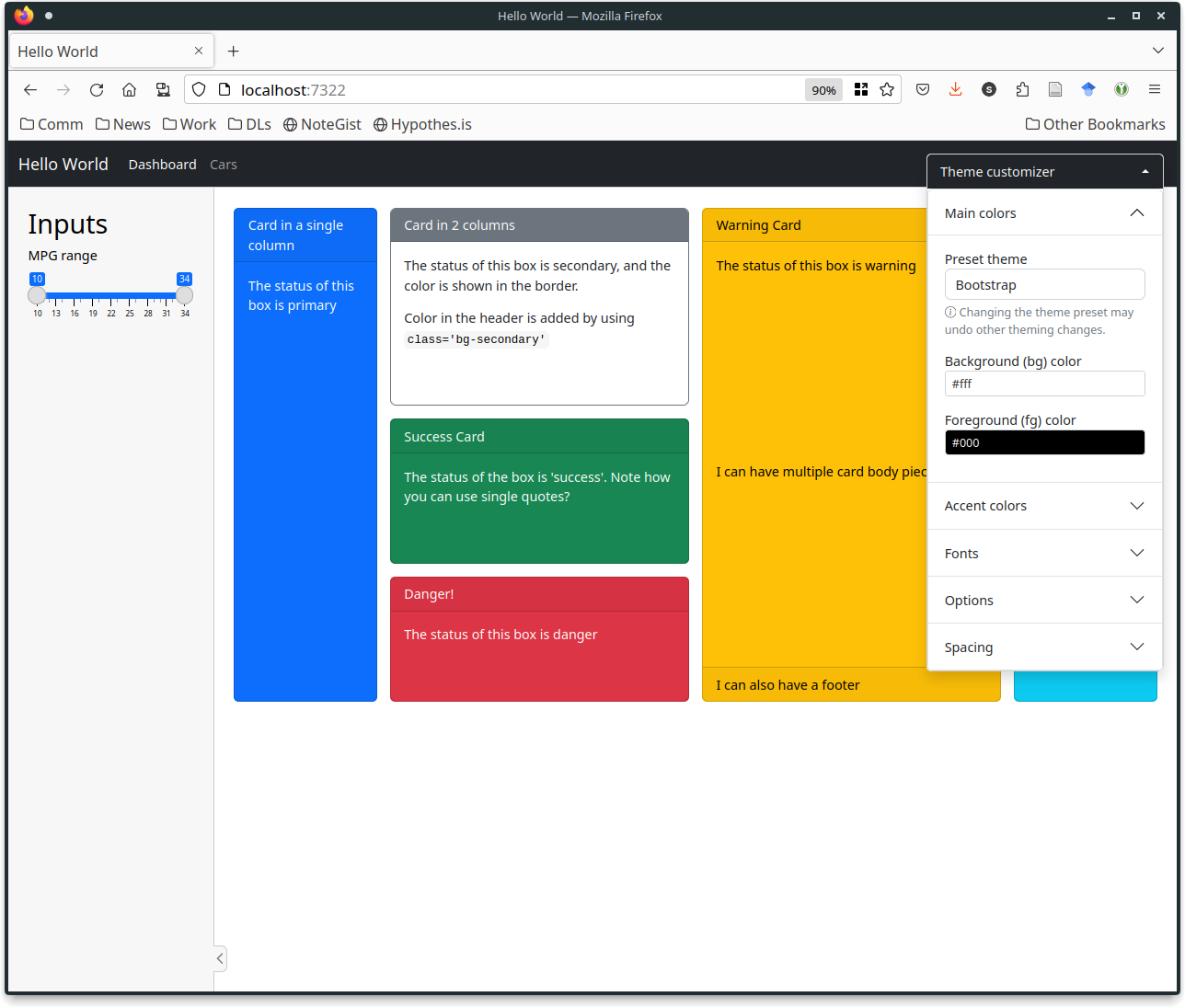
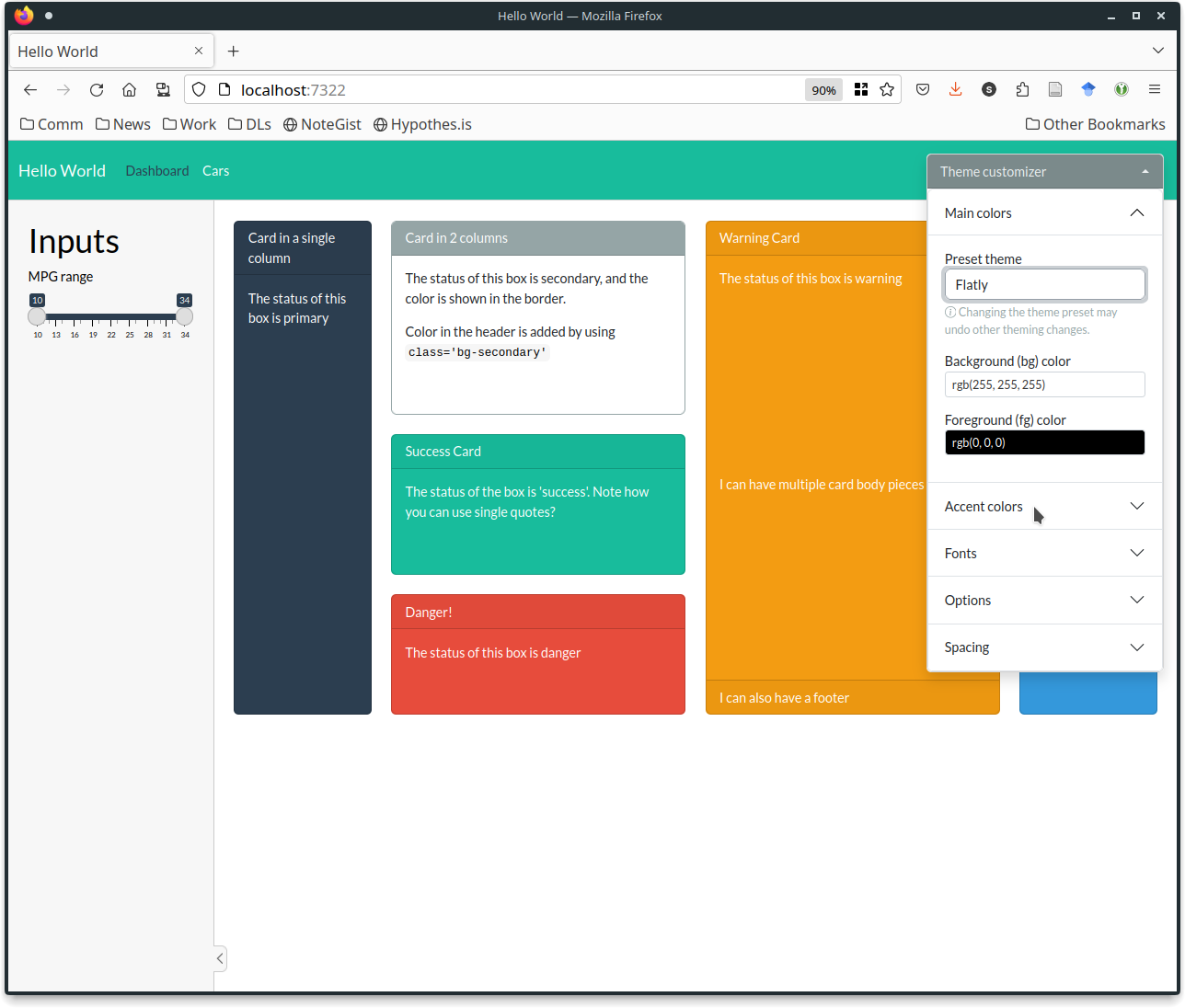
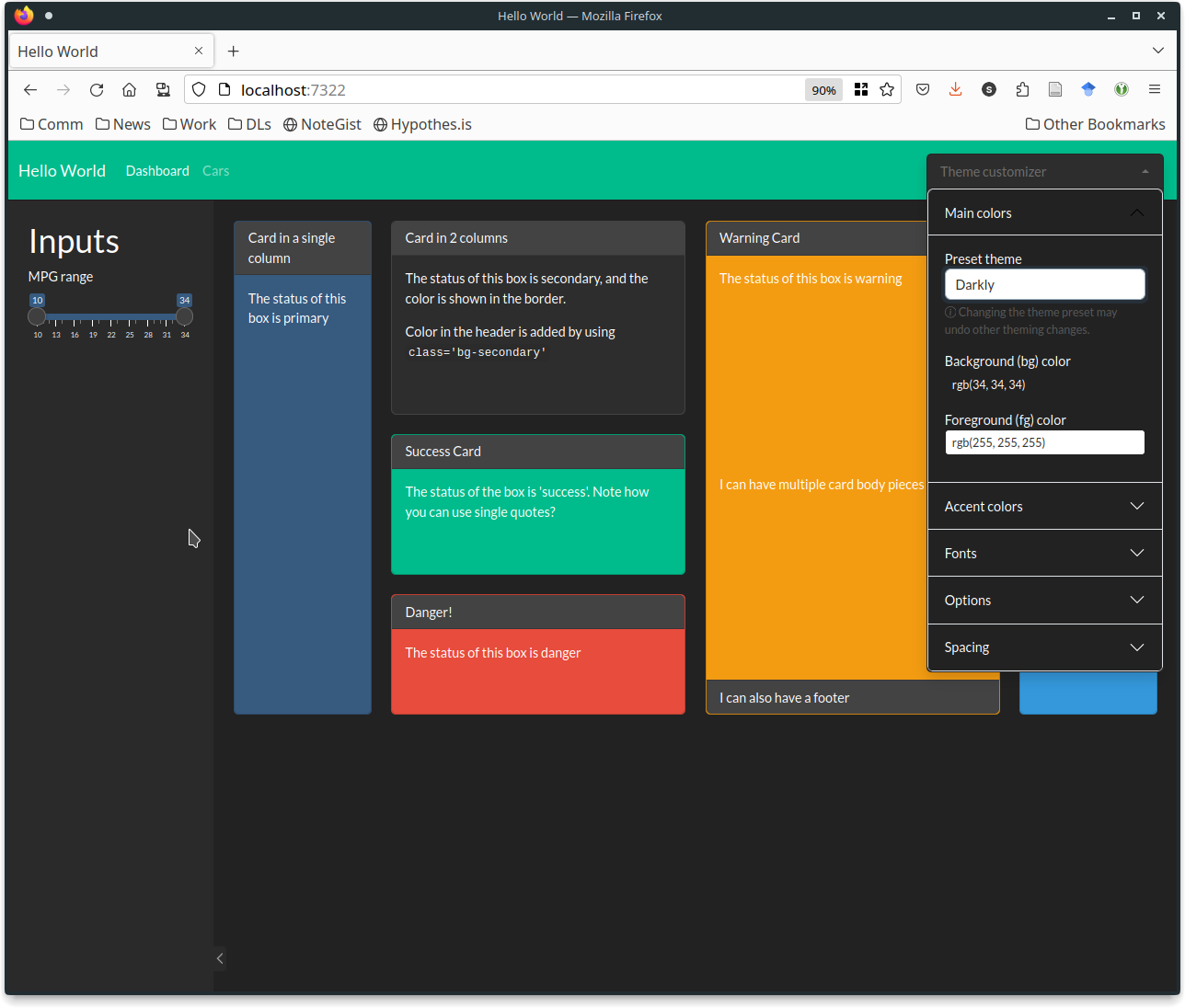
- Bootswatch provides preset themes
bs_themer()lets you choose interactively
Try it out in code/13-theme/bs_themer.R
Your Turn
- Run the code in
code/13-theme/bs_themer.R - Pick a theme you like.
- Get the console output corresponding to that theme
- modify
bs_themed.Rto use your theme code
Hint: Use the theme = ... argument in one of the page_xxx functions.
Customizing Your Navbar
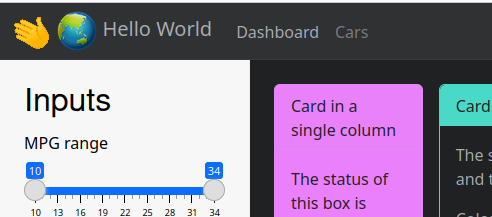
- You may want to add a logo to your title area
- pictures should be placed in the
www/folder
Adding Icons
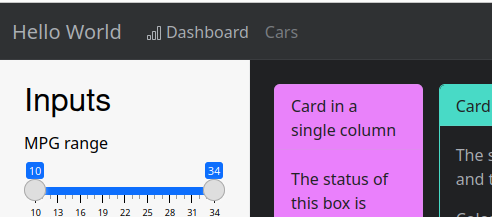
- You can add icons to your
nav_panels()with theiconargument- Bootstrap Icons
- Match the version of Bootstrap your app uses
nav_panel(
  title = "Dashboard", body,
  icon = bs_icon("bar-chart",
                 a11y = "deco")
  # marks icon as decorative
  # for screen readers
)
Your Turn
Customize the title and icons on the nav_panels in title_customization.R.
Choose appropriate icons and decide if they are decorative or semantic.
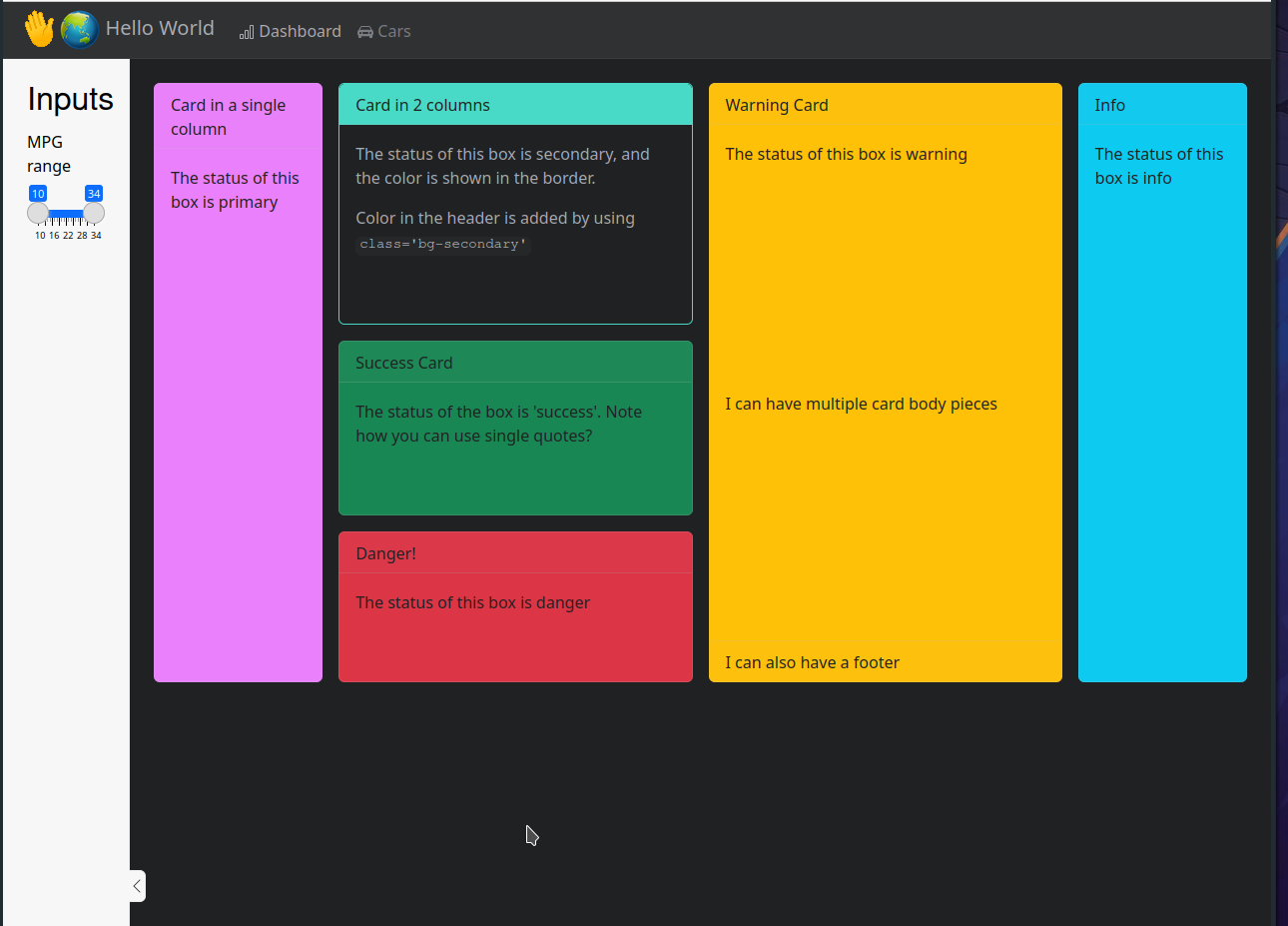
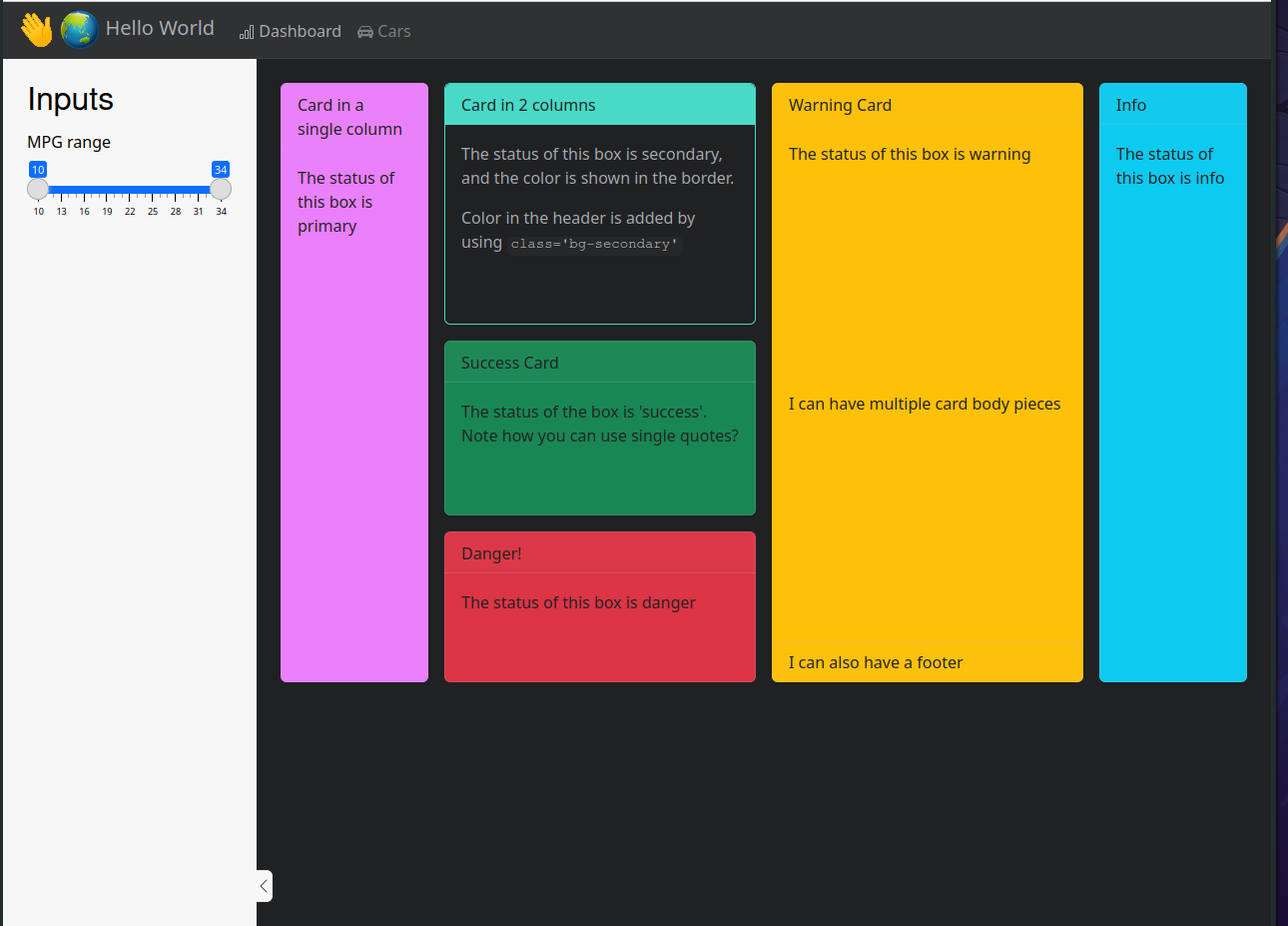
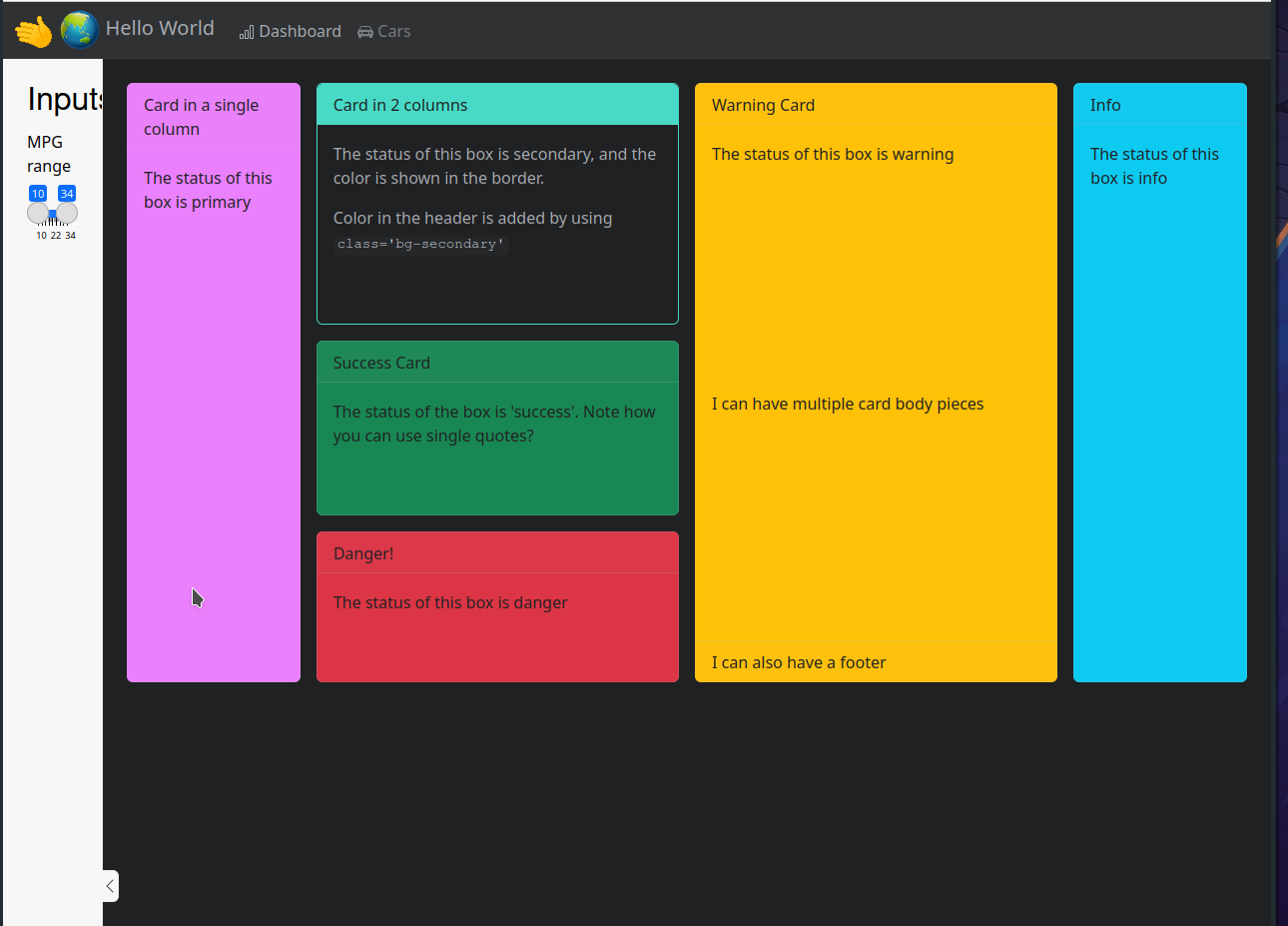
Change the width of the sidebar
Resources
- Theming Shiny documentation
- Shiny Apps with bslib
- Unified Theming with brand.yml
- Professional Interface Development
 This work is licensed under a Creative Commons Attribution-NonCommercial-ShareAlike 4.0 International License.